
AnythingLLM now runs Microsoft Foundry Local on every Windows PC
Starting in v1.16.1, AnythingLLM can tap into Foundry Local to run models on the CPU, GPU, and NPU of any Windows machine with no extra installation.
September 2026
As of AnythingLLM Desktop v1.16.1, Microsoft Foundry Local is built directly into AnythingLLM on Windows. Every Windows PC, whether it runs on an x86 chip from Intel or AMD, an NVIDIA graphics card, or a Snapdragon chip from Qualcomm, can now run models on its CPU, GPU, and NPU with nothing extra to install. You download AnythingLLM, pick a model, and it runs.
We have been working closely with the Foundry Local team at Microsoft to get here, and we could not be happier with the result.
Why we are so excited about this
There is a simple truth about local AI that does not get said enough. An app like AnythingLLM is only as good as the engine running the model underneath it. Every chat, every document you ask about, every agent task, every dictation with Magic Echo is only possible because a model is running on your machine fast enough to feel great.
Inference engines are quickly becoming a commodity, and that is a good thing. The hard part of running a model on a device should be solved by the people closest to the hardware. Our job is to take the best engine available for your machine and build the best experience on top of it. You should never have to know or care what is running under the hood. It is also why AnythingLLM works just as well on top of Ollama or LM Studio if you already use them.
Foundry Local is that engine for Windows. Microsoft builds it, Windows keeps the hardware acceleration up to date, and AnythingLLM taps straight into it.
What Foundry Local brings to Windows
Foundry Local is Microsoft's engine for running AI models on your own device. It looks at the hardware in your PC and picks the fastest way to run a model on it. On Windows it rides on Windows ML, the part of the operating system that knows how to talk to the GPU and NPU from every major chip vendor.
That means one engine covers NVIDIA GPUs, Intel and AMD GPUs and NPUs, and the Qualcomm Snapdragon NPUs in the latest Windows laptops. It picks the right variant of a model for your hardware, downloads it, and caches it. It runs entirely on your device. No Azure account, no API key, and nothing about your conversations ever leaves your PC.
Windows runs on a wider range of hardware than any other platform. A gaming desktop with an RTX card, a thin corporate laptop on an Intel Core Ultra, a new Snapdragon X Elite machine with a dedicated NPU. Foundry Local makes all of them first class for local AI, and when new chips ship, Windows delivers the support for them. AnythingLLM does not need a new release to take advantage.
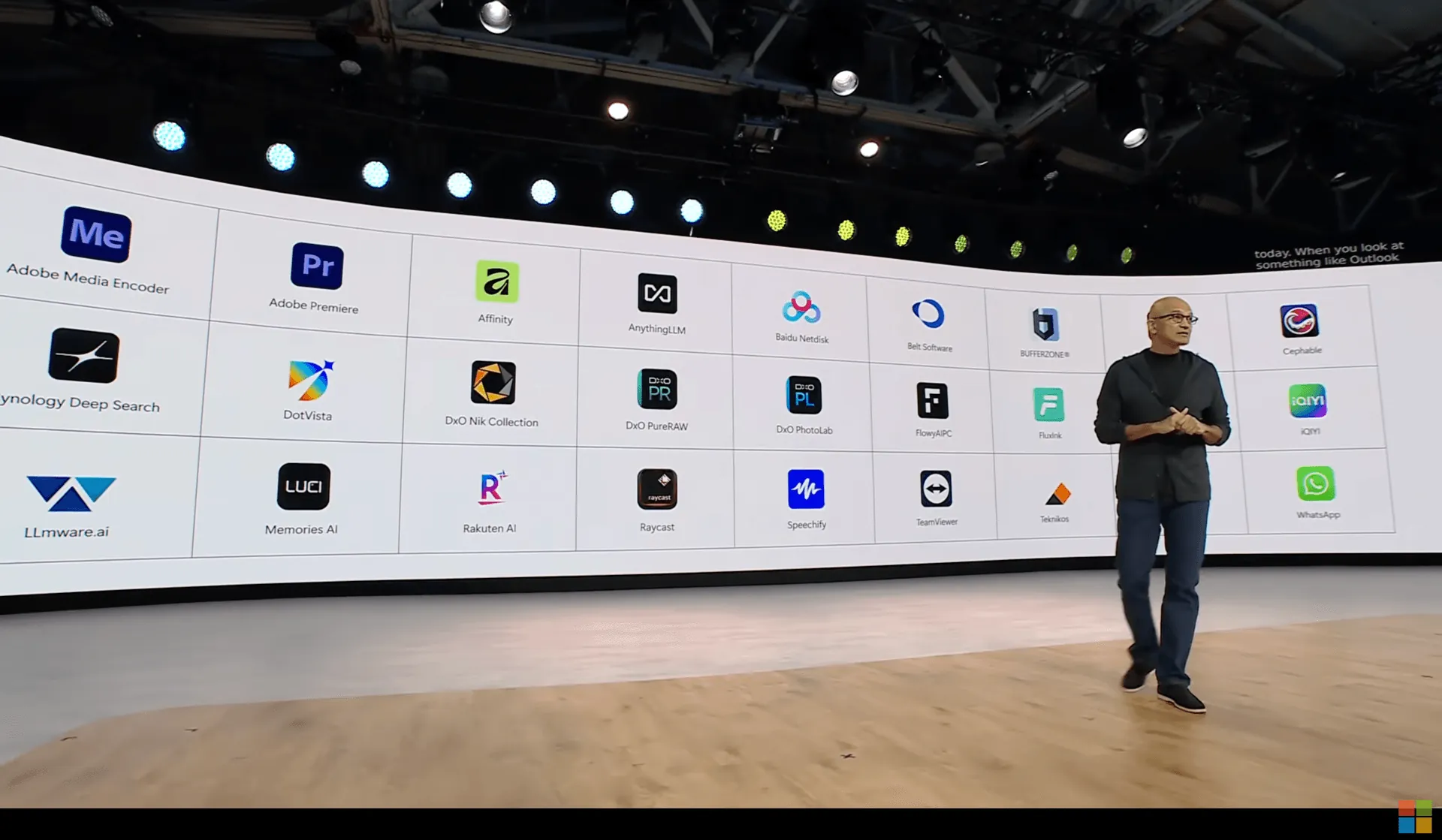
Microsoft made the engine. Windows delivers it. We build the experience on top.
What this means for you
If you use AnythingLLM Desktop on Windows, here is what changes with v1.16.1:
- Nothing to install. Foundry Local ships inside AnythingLLM. No separate download, no command line, no background service to manage.
- No setup. Pick Foundry Local as your provider and it just works. Models load automatically based on what your hardware can do.
- Your whole PC goes to work. Models run on your NPU if you have one, your GPU if you have one, and your CPU on everything else. The AnythingLLM model catalog shows you the variants that fit your machine.
- Every AnythingLLM feature. Chat, document chat, agents, tool calling, and background jobs all run on Foundry Local models.
- Both Windows platforms. The same experience on x64 and on Snapdragon ARM64. Windows on ARM has been a second class citizen for local AI for too long. Not anymore.
Try it in two minutes
- Download AnythingLLM Desktop for Windows, or update to v1.16.1 if you already have it.
- Open Settings, choose LLM Preference, and select Foundry Local.
- Pick a model. Foundry Local grabs the right version for your hardware.
- Start chatting.
That is the whole thing.
Thank you, Microsoft
A huge thank you to the Foundry Local team at Microsoft for partnering with us on this. Our whole reason for existing is to make private, on device AI something anyone can use. Foundry Local makes that real on hundreds of millions of Windows PCs, and this is only the beginning of what we are building together.
Foundry Local needs Windows 11 version 24H2 or later. Vision models are not yet available through Foundry Local in AnythingLLM. The model catalog is still growing, and if you run into anything, tell us on GitHub or Discord and we will get it to the Foundry Local team directly. If you want a model added to the catalog or hit something on the engine side, open an issue on the Foundry Local GitHub. The team is active there and that is the fastest way to be heard.
Learn more